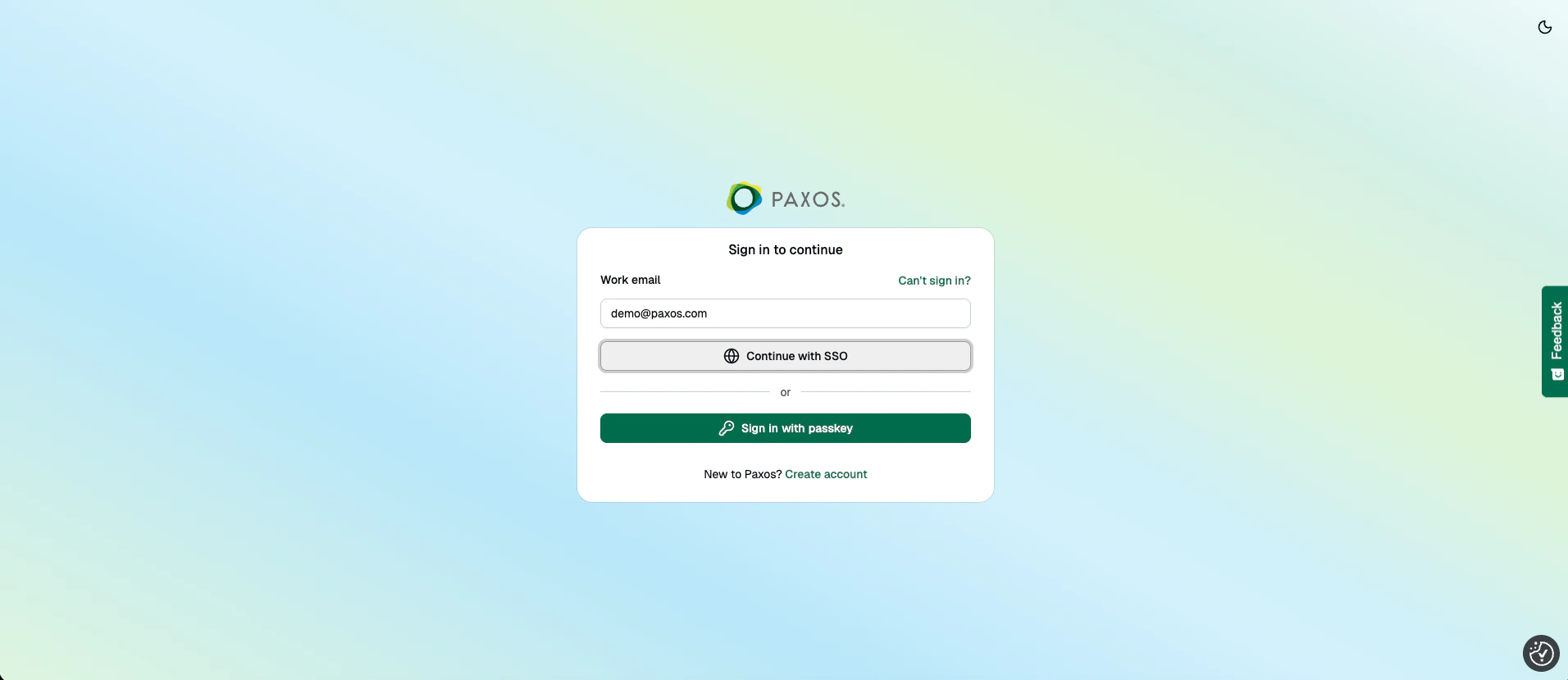
- Sign In with Passkey
- Sign In with SSO
1
First-Time Sign In
- Provide your name, email address, and the verification code from the email we sent you.
- Click Next then Create a Passkey.
- Save the passkey for subsequent sign ins.
If you saved the passkey locally, make sure you use the same device to sign in.
Learn more here.
2
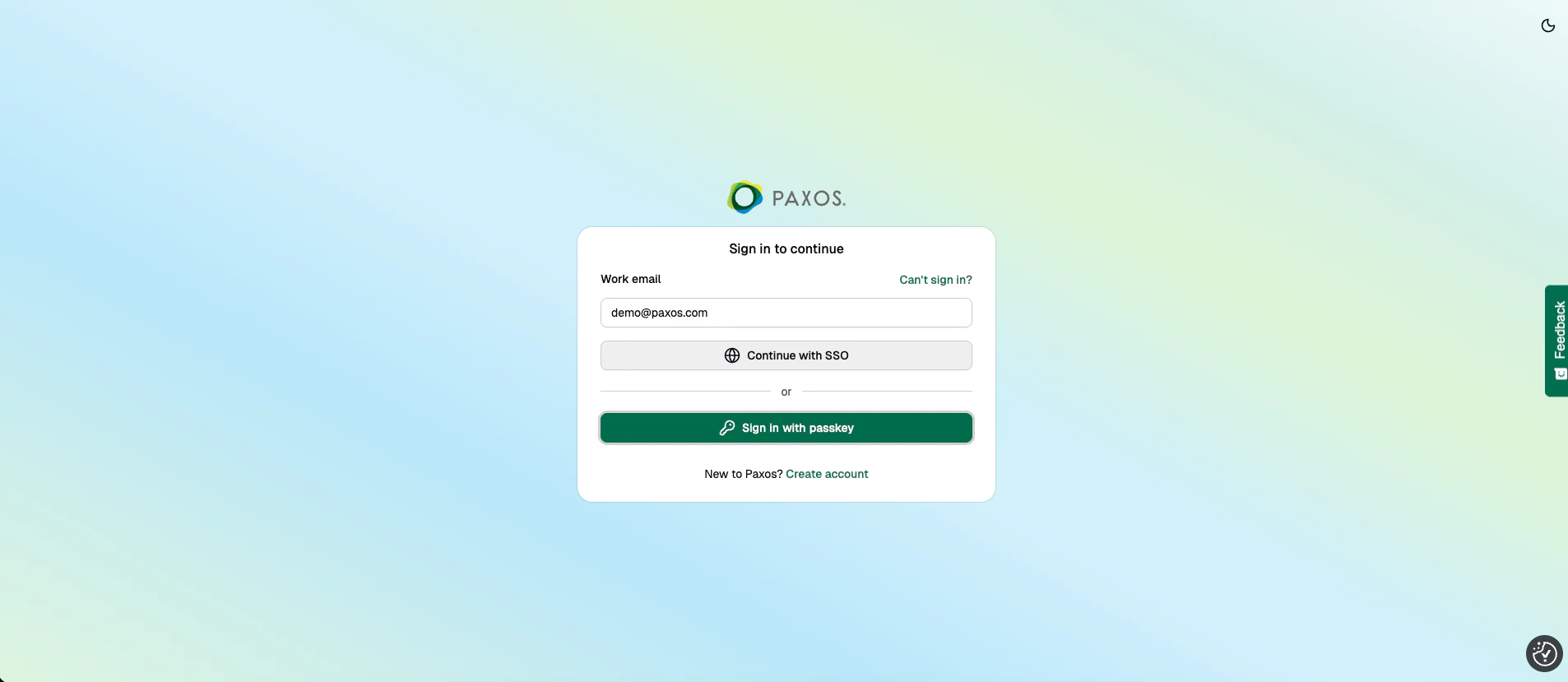
Sign In with Passkey
- Go to the dashboard, select Sign In, click the email input field then select your passkey.
- If your browser does not support passkey autofill, enter your email address and click Next.
- Select the appropriate passkey if required.